
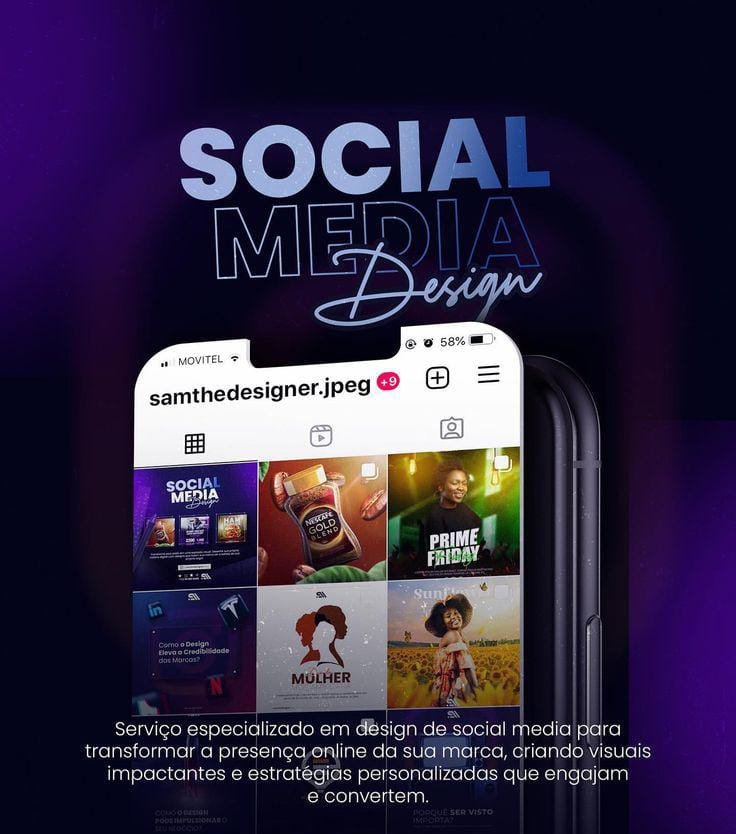
Today’s digital world, eye-catching social media posts are essential to grab attention and increase engagement. Good design helps your message stand out while keeping your brand consistent.
1. Keep It Simple
Avoid overcrowding your post. Use minimal text and clean visuals to make the message easy to understand. designs that are clear and easy to understand at first glance. When a post has too much text, many colors, or unnecessary elements, it can confuse viewers and make them skip the content. Simple designs look more attractive because they focus only on what is important. A clean layout helps users quickly understand the message while scrolling through social media, which increases engagement and readability.
The arranging elements in order of importance guides the viewer’s eye through the design. By making key information stand out with size, contrast, or placement, you ensure audiences focus on the main message first, improving comprehension and engagement. A well‑structured hierarchy also helps prevent visual clutter and makes the post more impactful on social media.
Consistent colors and typography help people instantly recognize your brand.maintaining the same color palette and typography in all your posts. This consistency makes your content look professional and helps people instantly recognize your brand. Over time, using the same colors and fonts builds a strong and memorable visual identity.
The maintaining a unified visual style—such as using the same layout, imagery treatment, and graphic elements—in every post reinforces brand recognition and makes your content feel polished and trustworthy, helping audiences associate specific aesthetics with your brand over time.
3. Choose High-Quality Images
Blurry or low-quality visuals reduce credibility. Always use clear, high-resolution images or graphics.Using high-quality images makes your social media posts look professional and trustworthy. Clear, sharp, and well-designed visuals attract attention and create a positive impression of your brand. On the other hand, blurry or low-quality images can reduce credibility and make users lose interest. High-quality images help communicate your message effectively and increase engagement on social media platforms.
Using high‑quality images boosts your brand’s credibility and engagement. Clear, sharp visuals make your social media posts look professional and trustworthy, drawing attention and creating a positive impression. In contrast, blurry or low‑resolution images can hurt credibility and reduce user interest. Opt for high‑resolution graphics that communicate your message effectively and drive more interaction on your platforms.
Use easy-to-read fonts and proper spacing so your text is visible on all screen sizes, especially mobile.Readability is essential in social media post design because users scroll quickly and spend only a few seconds on each post. Using clear, easy-to-read fonts, proper spacing, and good contrast between text and background ensures that your message is easily understood on all devices, especially mobile phones. When content is readable at a glance, it increases engagement and helps communicate your message more effectively.
A strong visual hierarchy guides the viewer’s eye to the most important information first, using size, contrast, and placement. By arranging elements so that headlines stand out and secondary details are subtler, you make the post scannable and ensure users absorb the core message quickly. This structure boosts engagement because audiences instinctively follow the flow you set, leading them from attention to action.
5. Maintain Visual Hierarchy
Highlight important elements like headlines, offers, or calls-to-action to guide viewers’ attention.Visual hierarchy helps guide the viewer’s eyes through a design in the right order. By highlighting important elements like headlines, key messages, or calls-to-action using size, color, or placement, you make sure the audience notices what matters most first. A clear visual hierarchy improves understanding, keeps the design organized, and makes the content more engaging and effective.
Visual hierarchy is a design principle that guides the viewer’s eyes through a layout in a logical order. It emphasizes key elements—like headlines, offers, or calls‑to‑action—by using size, color, or placement, ensuring the audience spots what matters most first. A strong visual hierarchy makes the design organized, improves comprehension, and boosts engagement and effectiveness.
Each platform has different sizes and styles. Design posts according to Instagram, Facebook, or LinkedIn formats.Each social media platform has its own image sizes, layout styles, and audience behavior. Designing posts according to the specific platform—such as Instagram, Facebook, or LinkedIn—ensures that your content looks clear and professional without being cropped or distorted. Platform-specific designs improve visibility, engagement, and overall performance of your posts.
7. Add a Clear Call-to-Action
Encourage users to like, share, comment, or visit your page with a simple CTA.A clear call-to-action (CTA) tells viewers exactly what to do after seeing your post. Simple instructions like “Like,” “Share,” “Comment,” or “Visit our page” encourage users to interact with your content. An effective CTA increases engagement, drives traffic, and helps turn viewers into active followers or customers.
Balance: distributing visual weight evenly to create stability.
Contrast: using differences in color, size, or texture to make elements stand out.
Alignment: arranging elements in relation to each other for a clean, orderly look.
Proximity: grouping related items together to show relationships and reduce clutter.
Repetition: reusing visual cues (like fonts or colors) to unify the design and reinforce branding.
Simplicity: stripping away unnecessary elements to focus attention on essentials.